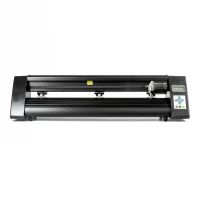
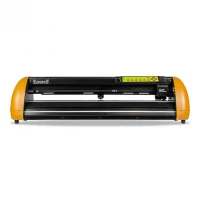
1: There are 2 ways to use the cutting plotter
- By using the Cut-out feature in Easycut (This will prevent Windows port setup from being used)
- By using WinPCsign or Windows Plotter Driver (USB Dongle)
- Easycut, please follow this cuts guide and if you have not installed the program, use this installation guide
- Do the following:
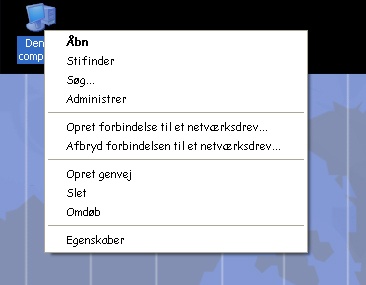
- Right-click on My Computer with the right mouse button and select Properties .
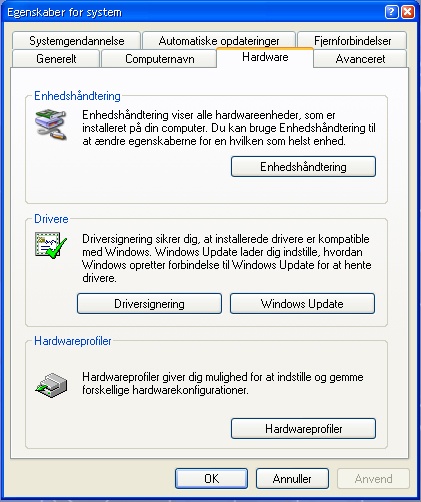
- Select the "Hardware" tab and click "Device Manager."
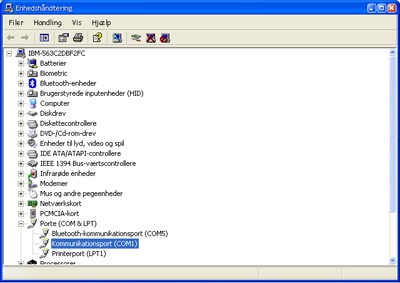
- Then double-click Communication Port (COM1)
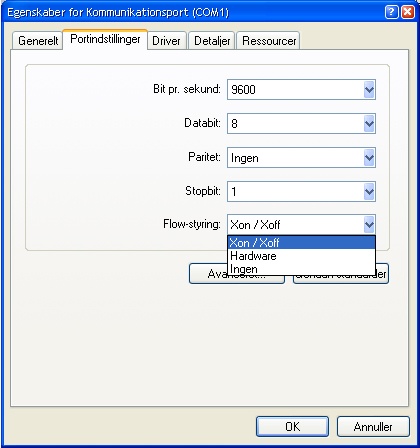
- Enter the "Port Settings" tab and select "Xon / Xoff".
Unless the above guide helps, we recommend uninstalling WinPCsign and installing the program again or possibly. test the program on another pc. If it is a Windows Plotter Driver, we recommend that you install it again and follow this guide, click here .
3: Letters cut along the foil roll are cut into each other
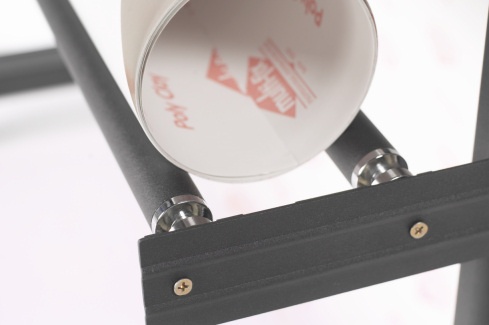
When using a roll of foil, it is important that you roll the foil of the roll as you expect to cut in so it hangs loosely. The cutting plotter can not roll the foil of the roll automatically. (Only if it is a single roller and you drive at the lowest cutting speed).
4: It's as though the sled that holds the knife is loose
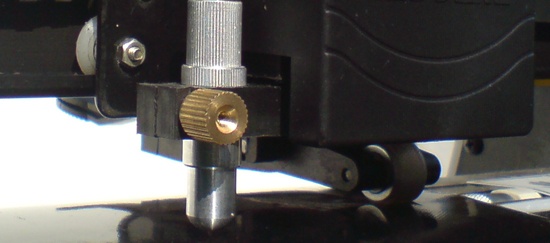
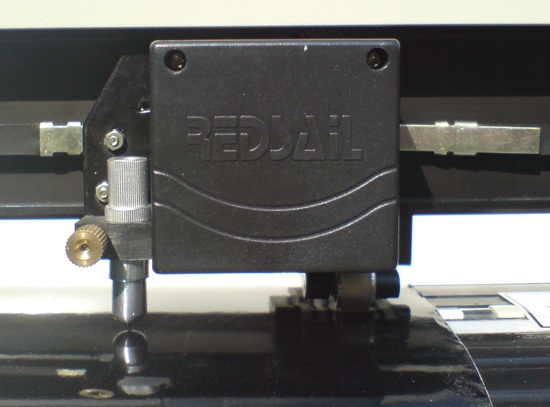
The knife holder is a very important part of the cutting plotter. When you receive the cutting plotter and get it packed up, mount the knife holder (also called the knife sled).
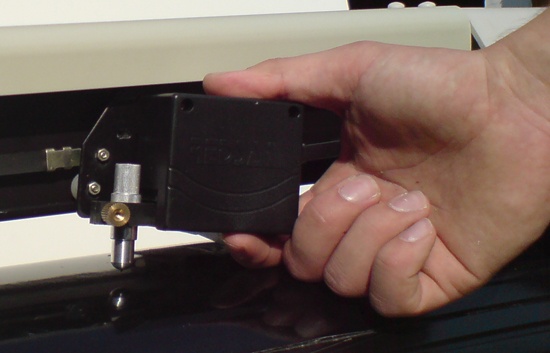
1. There are 3 wheels on the knife holder, the wheel closest to the knife (visible in the picture) is mounted first. Then fold the holder down until the upper wheel can get into the metal rail. When this is done, the holder can be pushed up and pushed towards the metal rail, as one wheel is spring-loaded.
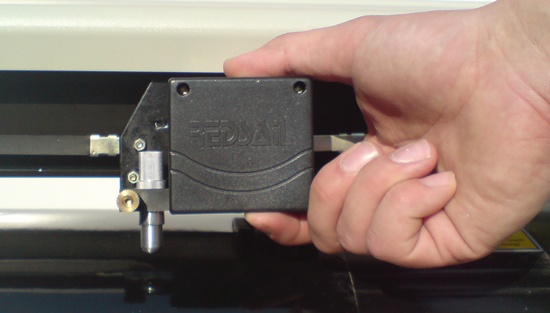
2. Finally, the sled can run smoothly in the metal rail with all 3 wheels and be 100% horizontal. (like in the picture)
5: When I press the Print icon nothing happens
The cutter does not work as a printer, it needs special software to communicate from PC to Plotter. We deliver Easycut to all our chart planners, in addition, we offer WinPCsign in different versions.
If you need help with Easycut, we refer to menu item 2 in Easycut faq at the top of the page.
If you purchased and installed the Windows Plotter Driver (incl. Blue USB Dongle), we recommend that you review our setup guide again to check for any setup errors.
6: What pressure and speed should be added?
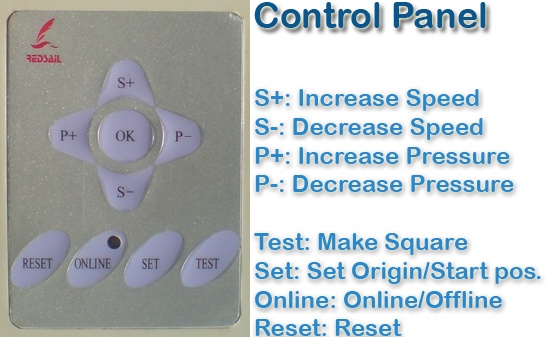
The cutting pressure should normally stand from 120 degrees and upwards depending on the thickness of the film. You can possibly. Press the Online / Offline button on the cutter plotter and then on TEST to cut a 1½ cm wide / high square so that you can see if the blade passes through the foil.
The cutting speed should be between 200 and 300 mm / s. Depending on how fast the chartplotter can be fed with foil and how heavy the foil is.
8: Redsail cutting platters cut across the work area when done
If your cutting plotter cuts across the work area when it is cut, then 95% probability is due to the wrong stop signal from USB to the serial adapter. Therefore, the cutter does not know where to return to when the job is finished.
Try cutting directly using a serial port computer as this will solve the problem.
We have cheap laptops with serial ports:
www.datamarked.dk
Alternatively, you can buy a USB for Serial Adapter from us.
In addition, it may be:
- Because the cutting area goes beyond the work area, but this error is very rare
- Serial cable is damaged, so it will typically be very sporadic when the error occurs